

Free range edtech for BC’s post-secondary flock
The OpenETC (Open Educational Technology Collaborative) is a community of educators, technologists and designers from across British Columbia’s post-secondary sector. Together we run shared, open-source infrastructure, including WordPress sites, so that students, faculty and institutions can build, own and control their own corner of the open web.
Contributions, not contracts. No agreements to sign, no vendor lock-in, no fowl play. Just a willingness to pitch in.
What’s new in the coop
The OpenETC has been quietly evolving over the past couple of years. Here’s what has been hatching.
Feathering the nest
Funding from the Shared Educational Resources and Technology (SERT) fund has let us invest in new starter templates, a gallery of block patterns, better documentation and a good deal of behind-the-scenes tidying.
A new roost at TRU
With the sunsetting of the EduCloud servers, the OpenETC is now hosted at Thompson Rivers University. That means TRU’s policy on the Responsible Use of Information Technology Facilities and Services applies to everything here. Our existing Code of Conduct and Terms of Use remain in effect.
Something to crow about
Our new Getting Started site gathers everything you need to go from idea to launch: starter templates you can preview and clone, a growing library of patterns, and documentation on the way. Scroll down to meet the new arrivals.

Starter templates: pick one, make it your own
Building a site doesn’t have to be complicated. Our new starter templates are designed to help you create beautiful, accessible websites with the supports built right in: sensible layouts, readable type, tested colour palettes and patterns that just work. Preview each one live, then follow the notes on its template page to bring the look to your own site.
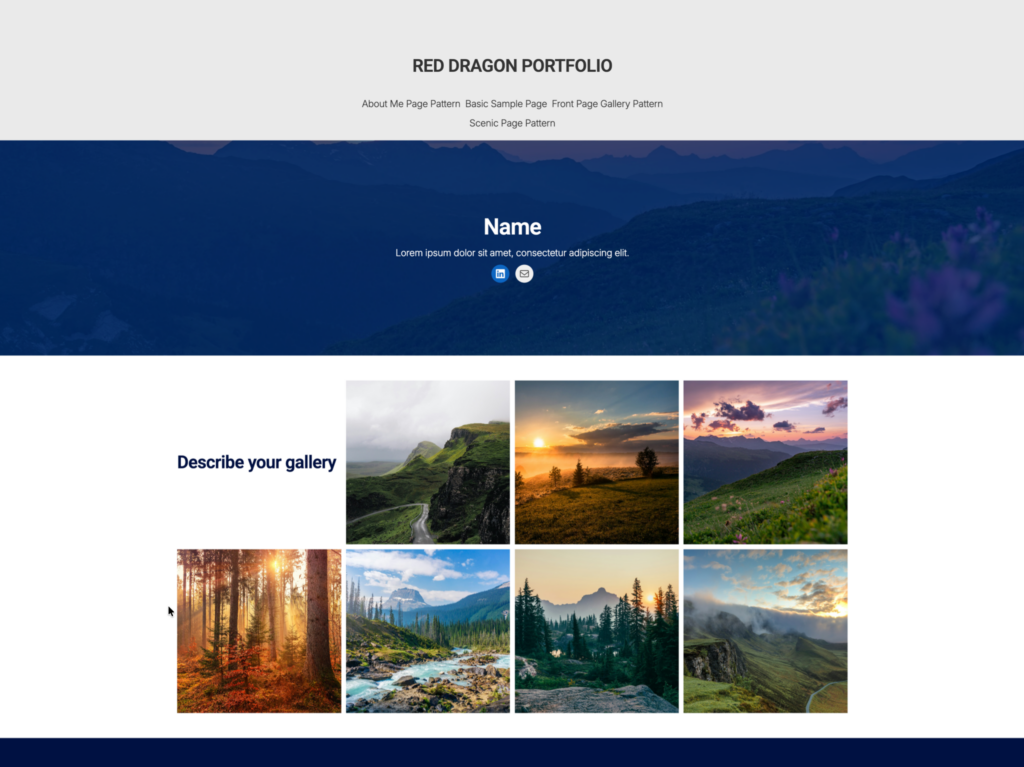
Red Dragon Portfolio
A full site editing theme developed with students at SUNY Oneonta, and a winner of Reclaim Hosting’s student showcase. Any OpenETC site can switch it on from the Themes screen. It brings its own patterns and a friendly pop-up that suggests layouts whenever you create a new page. Lovely for galleries and visual portfolios. See it live · Template details
The four Kadence Portfolio templates all run on the highly customizable Kadence theme with Kadence Blocks. Each one offers two homepage layouts, depending on how your portfolio is structured, plus a colour palette you can import into any Kadence site.
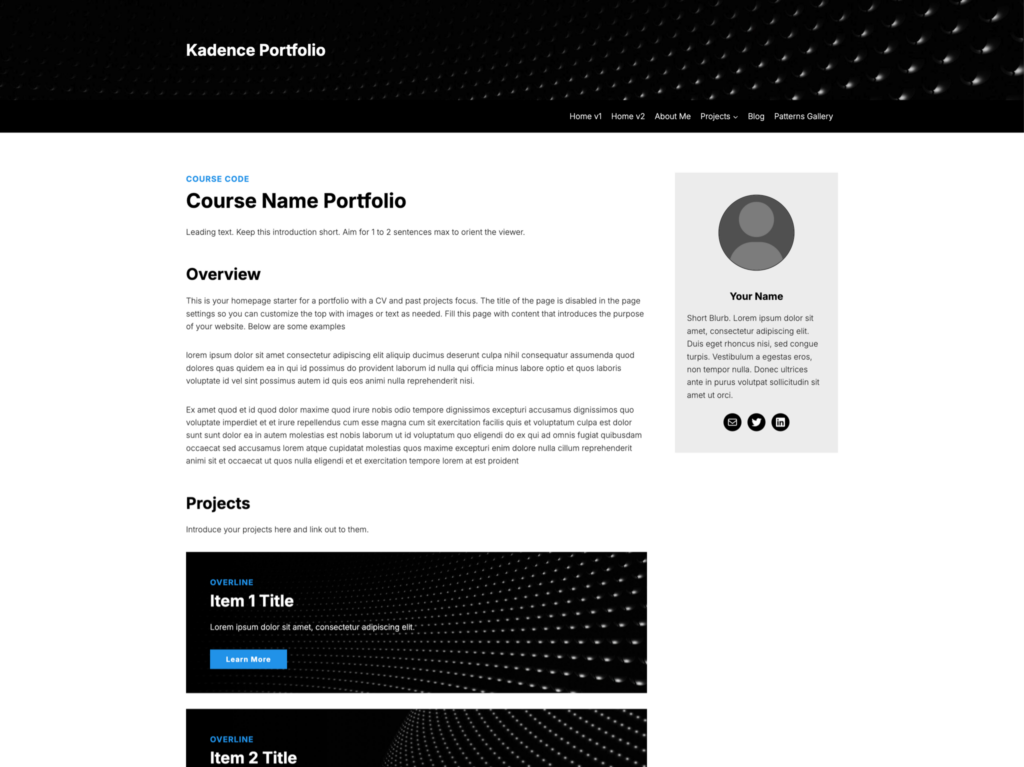
Kadence Portfolio 1
Clean and businesslike. Cool blues and greys, Inter for everything, a sidebar bio and tidy project cards. See it live
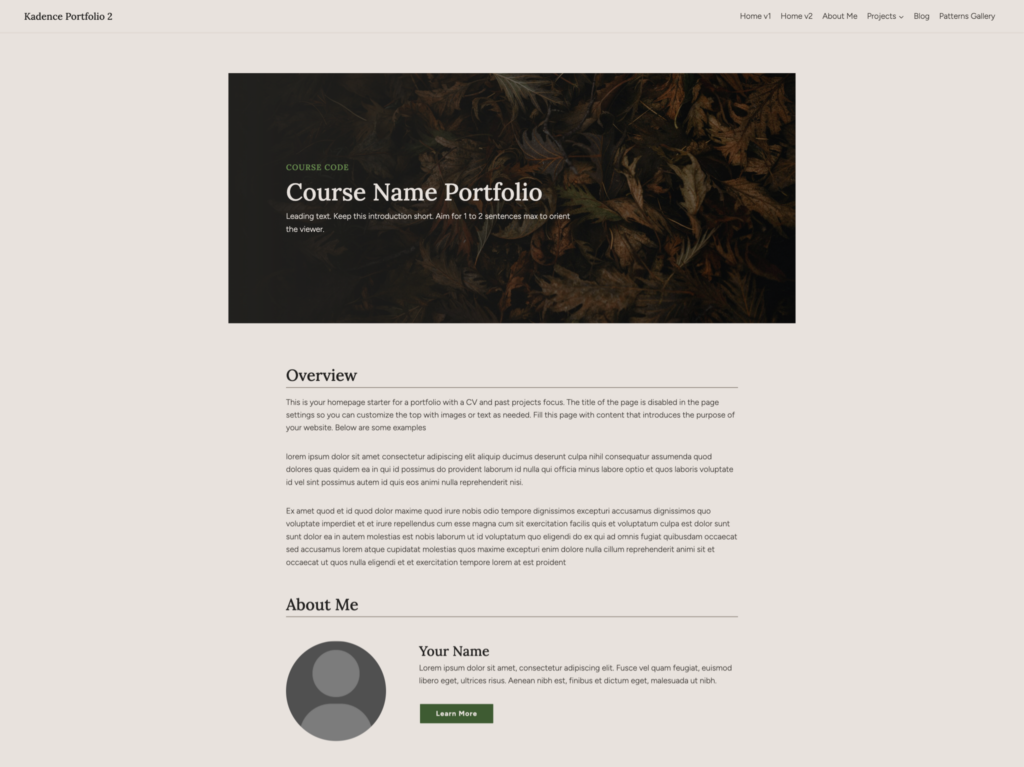
Kadence Portfolio 2
Warm and earthy. Sage greens and sand tones, Figtree body text with Lora headings. A calm home for reflective writing. See it live
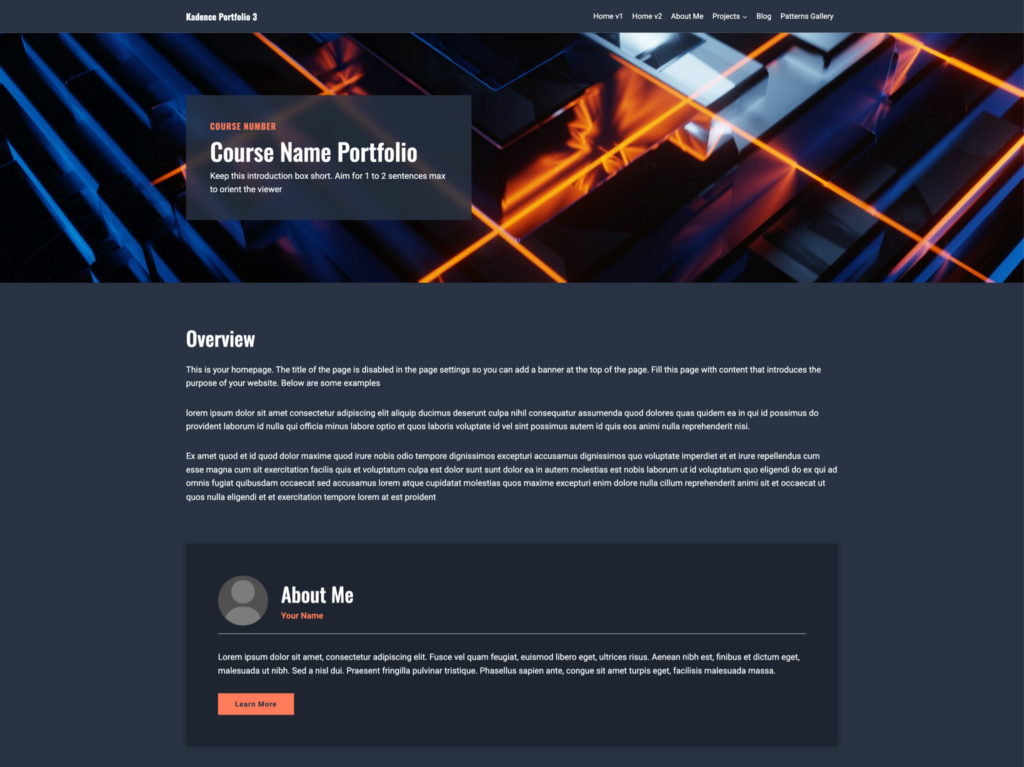
Kadence Portfolio 3
Dark mode drama. Deep navy with coral accents, Roboto and Oswald. Bold headers for projects that like to make an entrance. See it live
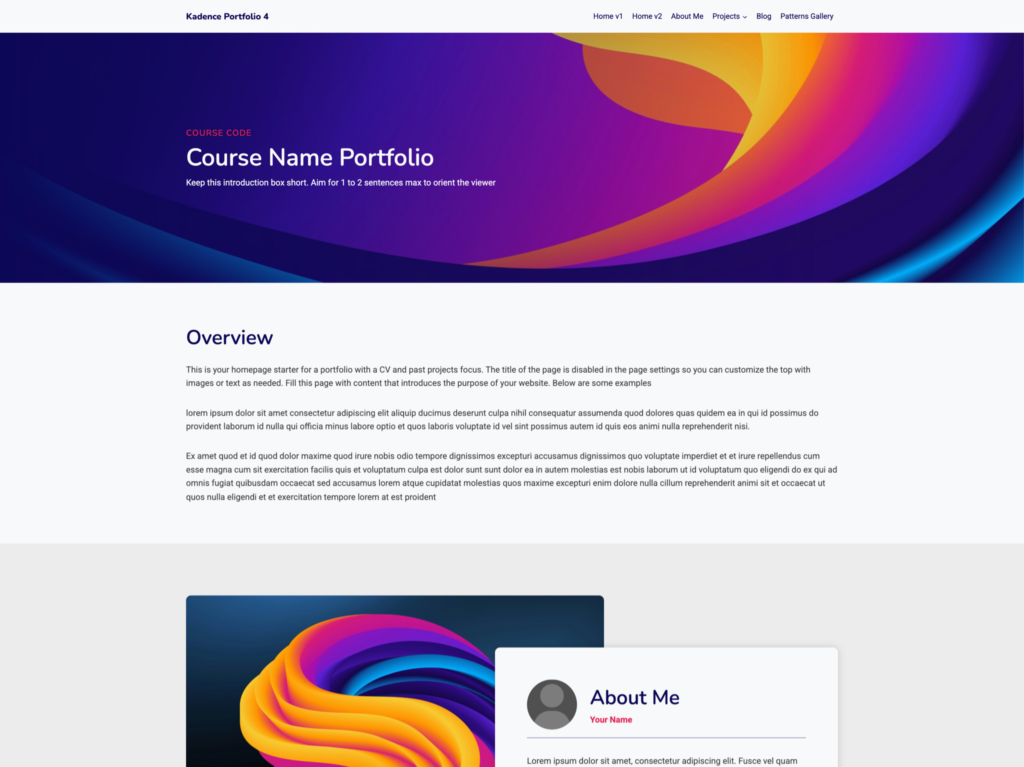
Kadence Portfolio 4
Bright and playful. Magenta and violet swirls, Roboto with Nunito headings. For portfolios with a bit of strut. See it live
Patterns: layouts you can peck and paste
A block pattern is a ready-made arrangement of blocks. A hero banner, a row of statistics, a tab group, an accordion, a team bio card, even a complete project homepage: you drop it into a page, then swap in your own words and pictures. No wrestling with columns and spacing, because the layout, colours and accessibility details are already sorted.
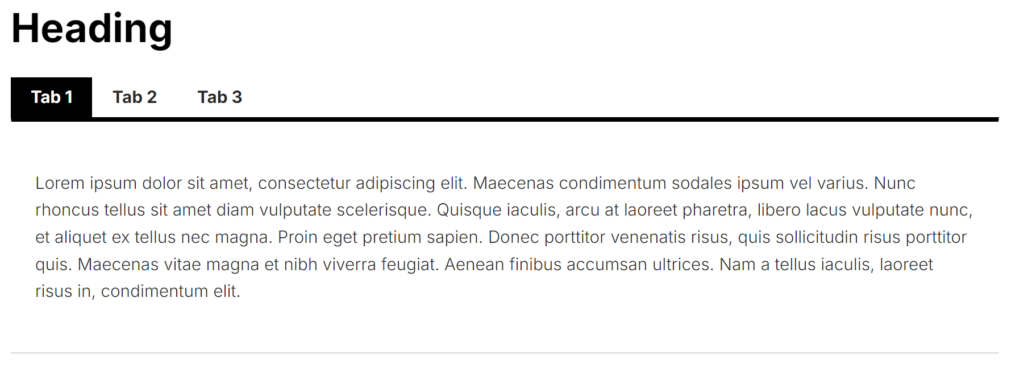
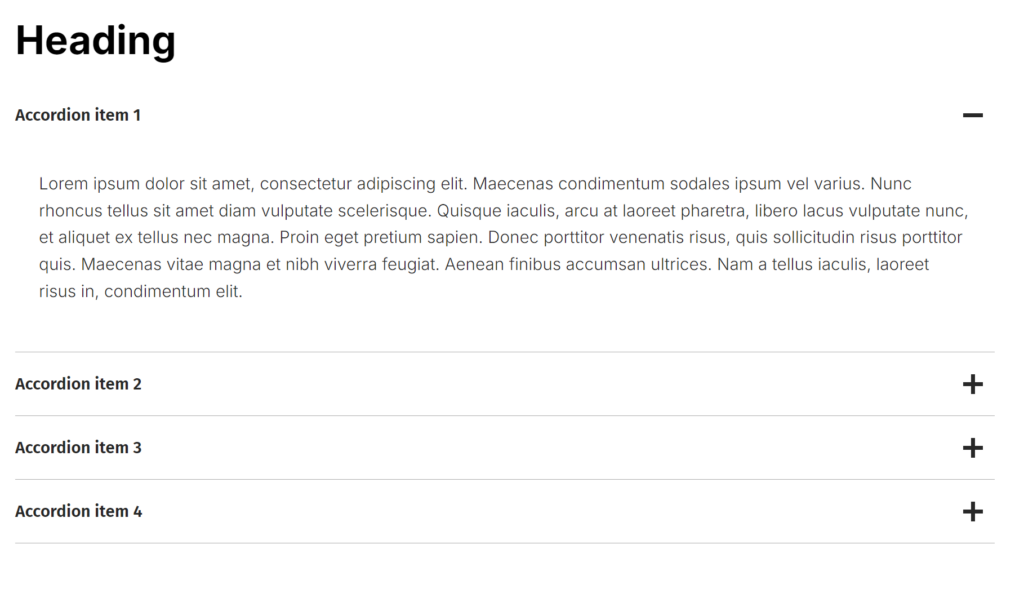
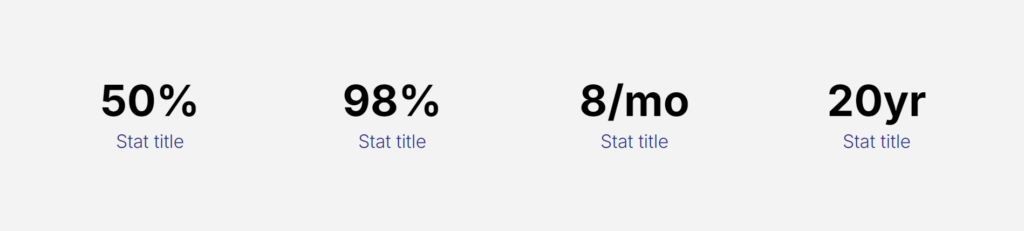
The Pattern Gallery sorts them by category, from Banners and Buttons to Displaying Stats, Tabs and Accordions, Presentations and Full Page layouts. Find one you like, copy it, and paste it straight into your editor. Note: the current selection of patterns requires the Kadence blocks plugin to be enabled.
Hatch a site in three pecks

Student, faculty or staff at a BC post-secondary institution? Need a site for a course, a project, a portfolio or a wild idea? You’re in.
- Create an OpenETC account. Use your institutional email address; that’s how we know you’re part of the flock. Already have an account on any opened.ca site? Just log in.
- Name your site and pick a template. Choose a subdomain (yourname.opened.ca), then choose a template to start from. If the site is for a course, your instructor has probably told you which one.
- Set your privacy. Wide open to search engines, visible only to registered OpenETC users, or just you and the people you invite. You can change your mind later.
Your site is ready in seconds. Really. There’s no limit on how many you can have, so create to your heart’s content, but write responsibly.
Why a co-op?
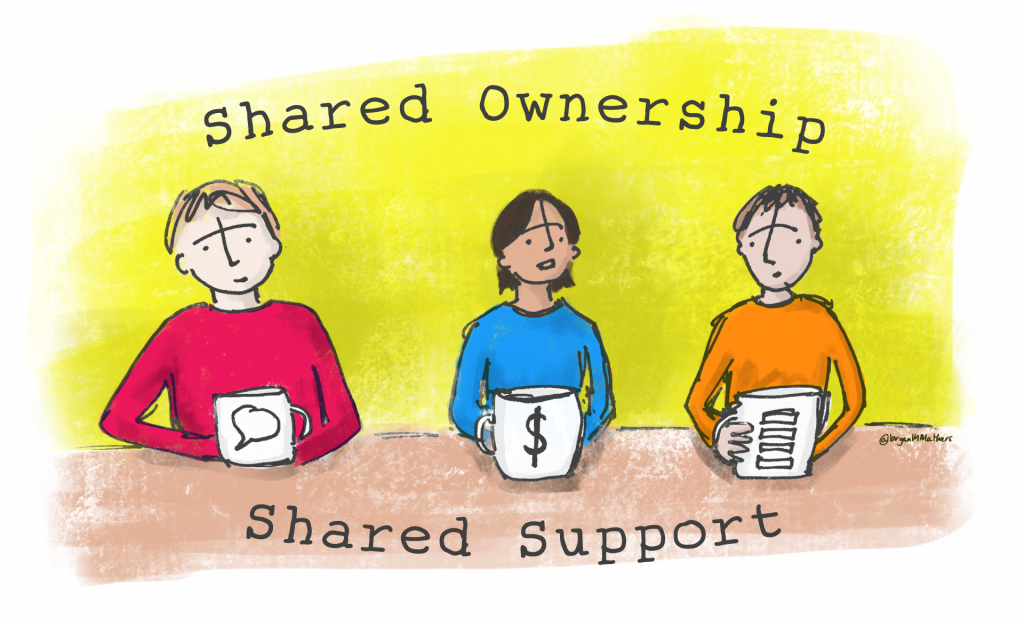
The OpenETC hatched in 2016 when a group of BC educators realized they were all wrestling with the same problem: how to give faculty and students good tools without expensive, privacy-problematic contracts with proprietary platforms. The answer was to pool talent, tools and time.
- Own your stuff. Students, faculty and institutions keep control of their own data. No trackers, no algorithms, nobody is the product.
- Lower the barrier. The open web should be a place BC faculty and students can actually get to. A site takes seconds, not a procurement cycle.
- Share the infrastructure. Shared open-source platforms mean institutions aren’t at the mercy of vendor pricing, upgrade cycles and exit strategies.
- Learn together. Most projects start with a “how do I…?” in the chat, and there’s usually someone in the flock who knows a bit of the answer.
Contributions can be tangible, like server space or funding, or they can be time and talent: answering questions, writing documentation, testing, or sharing what you’ve built. Institutions with more give more; everyone rises together.
The OpenETC is grateful to BCcampus for its ongoing support and collaboration, including funding through the Shared Educational Resources and Technology fund, and to Thompson Rivers University for giving the flock a new roost. The OpenETC is guided by its creators Brian Lamb, Grant Potter and Tannis Morgan, and advisors Clint Lalonde and Anne-Marie Scott.
